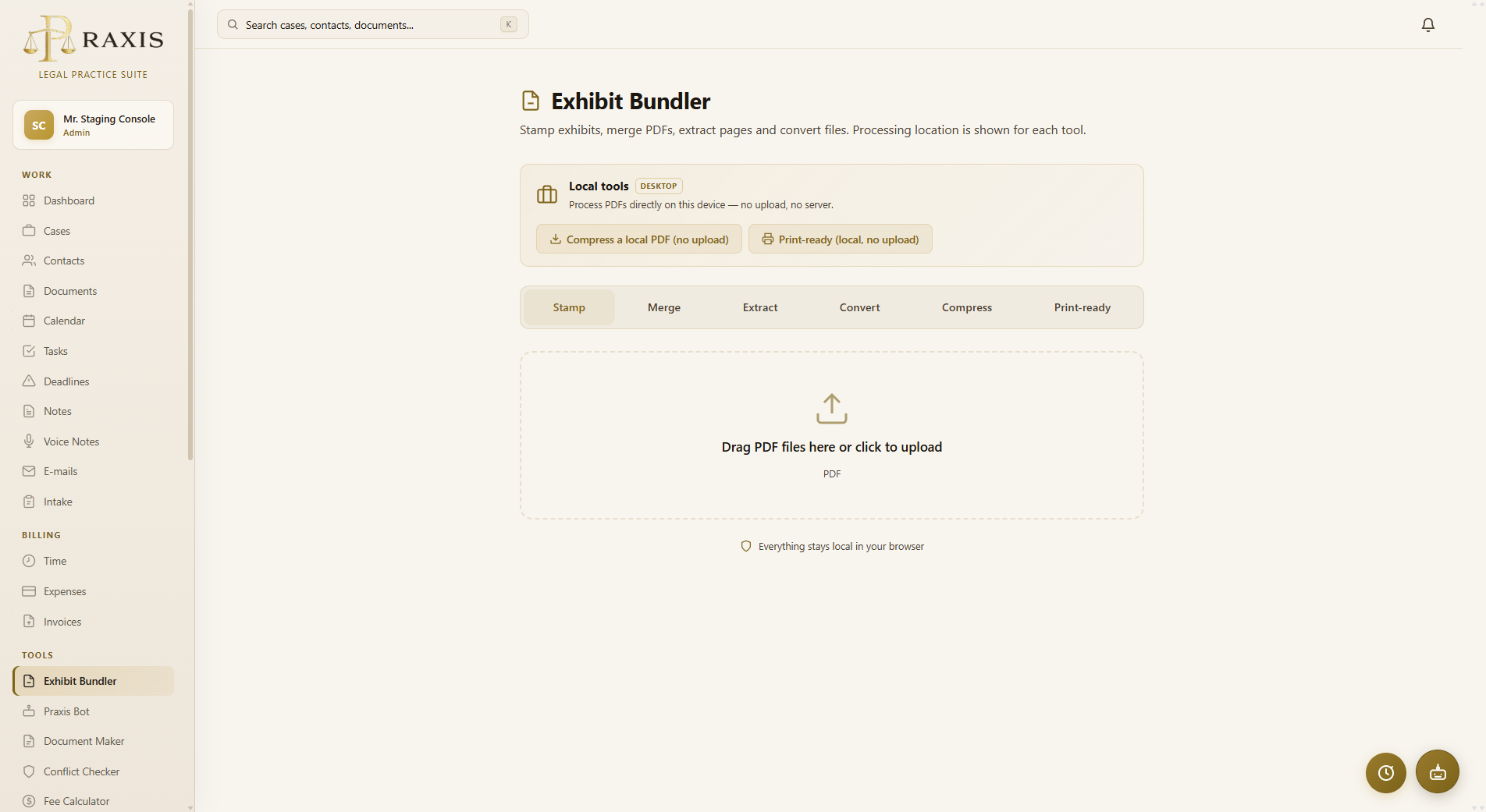
Stukkenbundelaar is the bundle workflow inside Praxis (labelled Exhibit Bundler in English). It takes your exhibits, stamps every piece (stuk) with its number on the first page, straightens and resizes awkward scans, turns the inventaris der stukken into a clickable table of contents, and produces court, print, and compressed filing copies. Your original files are never modified.
PiecesPerfect™ is the original standalone, local-first desktop application. It provides the same core bundle and PDF-toolbox engine outside Praxis, with folders as input and no Praxis case required.
1. Overeenkomst.pdf, 2. Ingebrekestelling.pdf, … and 0. Inventaris der stukken.pdf for the inventory. Inside the available Praxis Web workspace, Exhibit Bundler can work from the case fileEvery court, and every lawyer, has a preferred look for exhibit stamps. Exhibit Bundler gives you full control over both appearance and placement:
Stamp designs export and import as a shareable code, so the whole firm can stamp with the same house style.
Real dossiers contain messy scans. Exhibit Bundler cleans them up automatically: landscape pages are rotated upright, and oversized pages — construction plans, plats, wide spreadsheets — are scaled to fit A4. The result is a bundle that reads and prints like a single, uniform document.
A single production run generates four outputs, each tuned for how it will be used. Review the copy and the receiving court or portal's current requirements before filing:
| Output | What it is | Use it for |
|---|---|---|
| Digital archive | Full-quality bundle, nothing compressed | Your dossier, sharing with counsel |
| Duplex print | Blank pages inserted so every piece starts on a front side | Double-sided printing for the paper bundle |
| Compressed filing copy | Compressed for easier upload; verify the official portal's current limit yourself | Manual upload to an external filing service |
| Compressed print | Duplex-padded and compressed | E-mailing a print-ready version |
The inventaris der stukken (piece 0) becomes a real table of contents: every entry in the inventory links to the page where that piece starts. Links use print-safe underlines, so the paper version looks just as clean. The bundle also gets a PDF bookmark per piece, so judges and clerks can jump straight to any exhibit from the sidebar of their PDF reader.
Inside Praxis Web, Exhibit Bundler pulls the pieces directly from the case file, with continuous stuk numbering across the dossier. No exporting, renaming or re-importing. Prefer to work outside Praxis? The standalone PiecesPerfect™ app works locally with any folder of numbered files.
No bundle to produce? Exhibit Bundler also works as a quick PDF toolbox. Select any set of files — from a case or uploaded on the spot — and run one of three one-click utilities. Your originals stay untouched and the results are saved separately: to your Praxis Cloud in the browser, or to their own subfolder in the optional desktop app:
.eml/.msg, attachments included), images and text files into PDF copies