🚀 Quick Start Guide

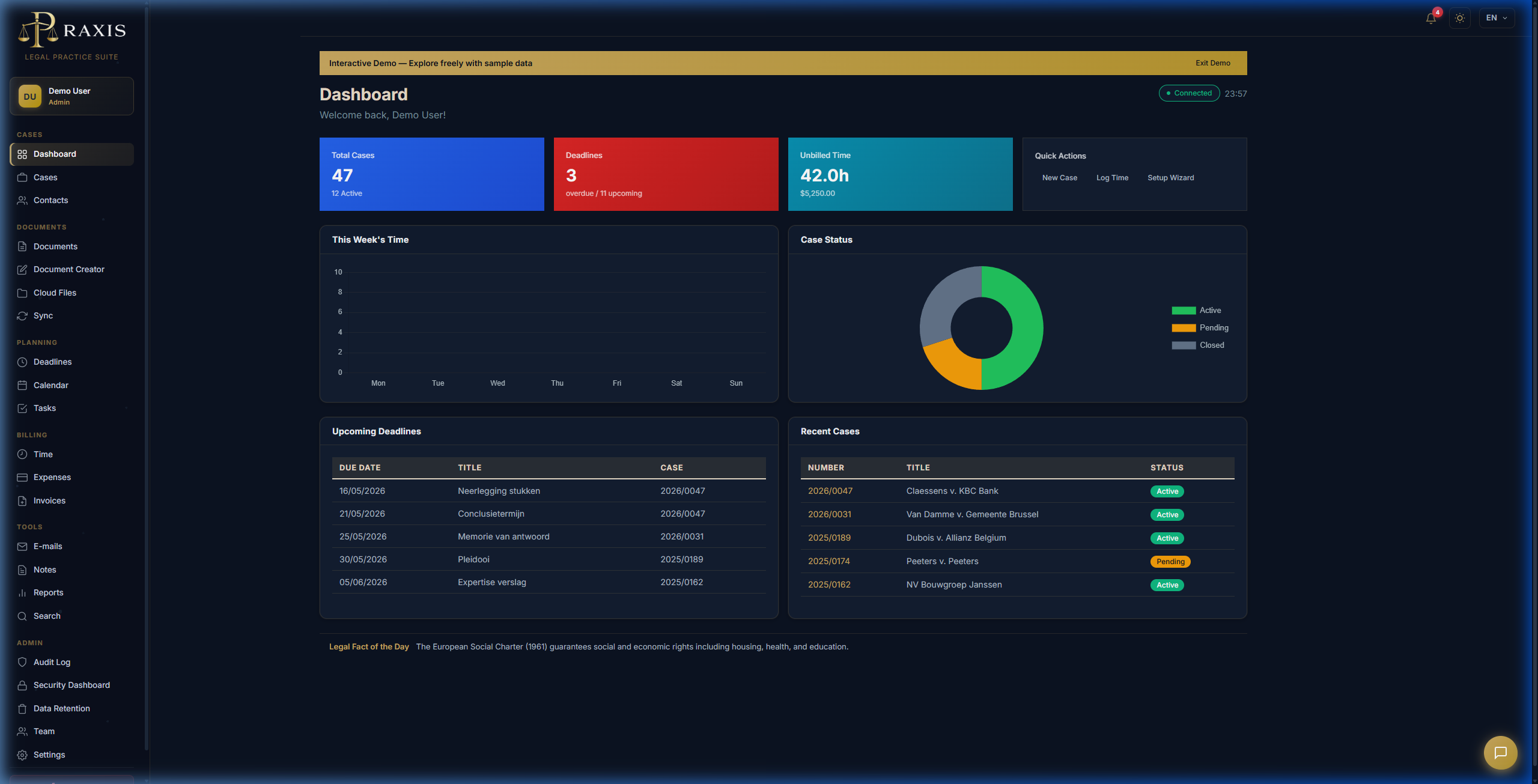
Get up and running with Praxis in under 10 minutes. This guide will walk you through the essential setup steps.

1

Create Your Account

Visit praxislegal.be/register and sign up for a free 14-day trial. No credit card required.

You'll receive a confirmation email with your login credentials.

2

Download the Desktop App

Download Praxis for Windows from our downloads page.

Run the installer and follow the setup wizard. The app will automatically configure itself.

3

Log In

Open Praxis and enter your email and password. The app will sync your data automatically.

4

Create Your First Case

Click the + New Case button in the top toolbar. Fill in:

5

Add a Contact

Navigate to Contacts and click + New Contact. Add your client's information.

Pro tip: Use the KBO/BCE lookup to auto-fill company details by entering a Belgian enterprise number.

6

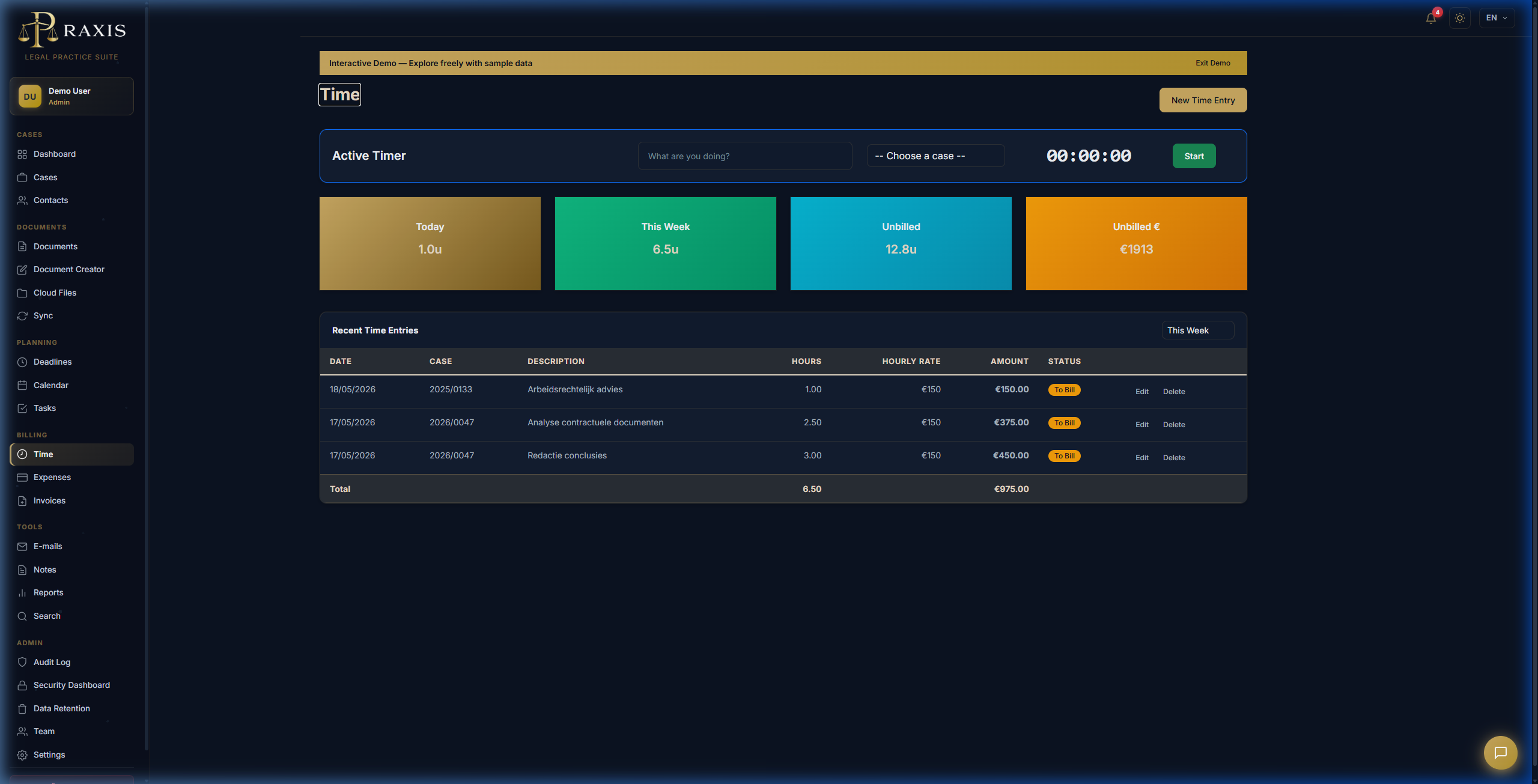
Track Your Time

Open a case and click the ⏱ Start Timer button. The timer runs in the background while you work.

When done, click Stop and add a description. Your time entry is automatically saved.

What's Next?

Explore More Features

Belgian Integrations

Need Help?

If you run into any issues:

← Back to Documentation